






What video chat with strangers adds to a conversation
Video adds expression and a voice to an unfamiliar hello. We offer video chat with strangers so you can meet through a live exchange rather than trying to read everything into a message.
That context does not tell you someone's whole story. A serious expression may simply mean concentration; a glance away can mean a distraction nearby. We introduce two available participants at random. Treat the image as a way to communicate, not enough information to decide who someone is before they have spoken.
Prepare to be seen, then make the introduction.
- 01
Check your frame.
Open Start Match and check your own camera view before continuing. Allow camera and microphone access through your browser when you are comfortable. We offer free access without registration or an app download, on supported phones and computers.
- 02
Wait for an introduction.
Matching looks for another available participant. You may need to wait. The photo wall is illustrative rather than a list of people to select, and we do not promise a particular person or background for your call.
- 03
Check picture and sound.
When connected, make sure you can hear each other before interpreting a silence. A wave can show that you are responding, while a spoken hello checks the other part of the exchange. Give the reply time to arrive before assuming the person has ignored you.

Seeing a face does not verify every claim.
We match people randomly, so the person who appears is someone you are meeting for the first time. A friendly face does not prove a story about their work, location, or reason for asking a favor. Take time to judge those claims.
Be particularly cautious when a conversation suddenly turns into a request for money, account access, or private documents. You do not need to prove your trust by complying. You can keep the conversation here. If you feel pressured, leave.
Keep the picture useful, not revealing.
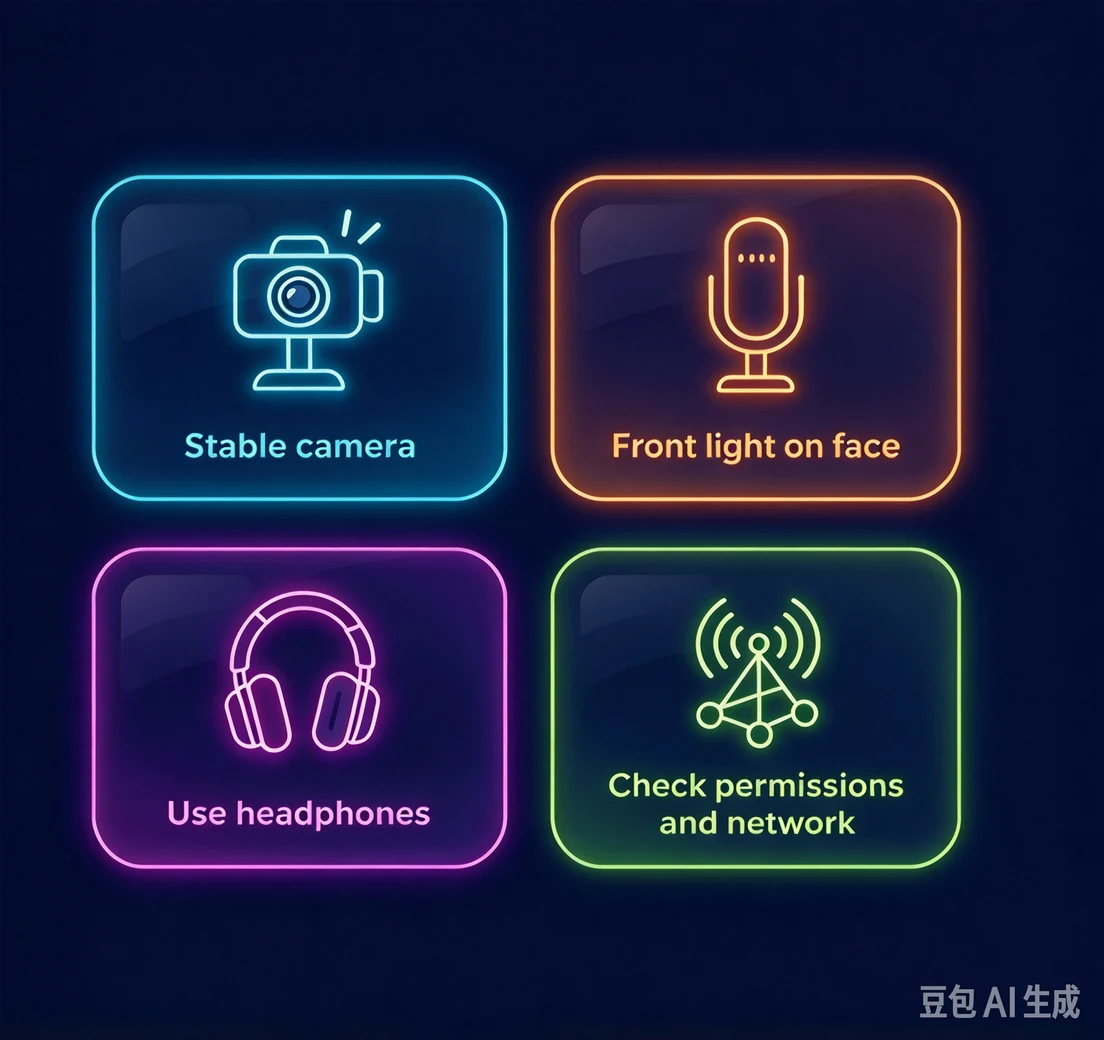
Position your camera so the other person can see your expression without seeing more of your room than you intend. A light facing you and a steady device help make the picture readable. You do not need to give a tour of your surroundings or turn the lens toward someone else.
Check sound as well as the frame. Headphones can reduce echo and make a softer reply easier to follow. If your own preview is blank, review camera permission before changing the connection. If the picture or sound breaks up during a call, describe the problem briefly. A technical interruption can look like a social reaction.
Ask about a reaction instead of guessing.
When you video chat with strangers, a smile, raised eyebrow, or pause can give you a reason to ask a better question. 'Have you tried that too?' lets someone explain a reaction in their own words. Assuming that you know what a gesture means can take the conversation in the wrong direction.
People use eye contact and facial expression differently. Someone looking away may be thinking or checking something near their device. Keep listening to what they say. If an answer is unclear, ask about the answer rather than commenting on how they look.
You choose what happens on camera.
Agreeing to a call does not mean agreeing to pose, move the camera, or show a part of your home. You can decline a request without offering another view instead. Give the other participant the same choice, including the choice to finish.
If you want another introduction, use Skip. If you would rather stop being on camera, end the session. We do not guarantee a return to the person you left. Respect a quick departure. Either person can stop being on camera.
Before you share your picture with a stranger.
Yeahp is available only to adults aged 18 and over (18+). Anyone under 18 is not permitted to use the service. We expect people to respect consent and stop when a request is declined.
We don't record video calls or store users' personal information. Another participant may record their own screen. Keep private documents, address labels, and financial details out of the frame; being visible is not a reason to reveal identifying information.
Our AI system continuously monitors for spam, bots, and inappropriate behavior. Report conduct that breaks the rules, Block a participant you want to avoid, and leave a call that makes you uneasy. You can use those choices without continuing to watch. Monitoring cannot guarantee that every interaction will be appropriate.